
✅ Auto Trade Journal with Screenshots
📸 Automatically record every trade with a screenshot of the exact moment
Journaling your trades is the habit every mentor recommends and almost nobody keeps, because doing it by hand is slow and easy to skip. A written diary can note the numbers, but it can never show what the chart actually looked like at the instant you entered or exited, which is exactly where the lesson lives.
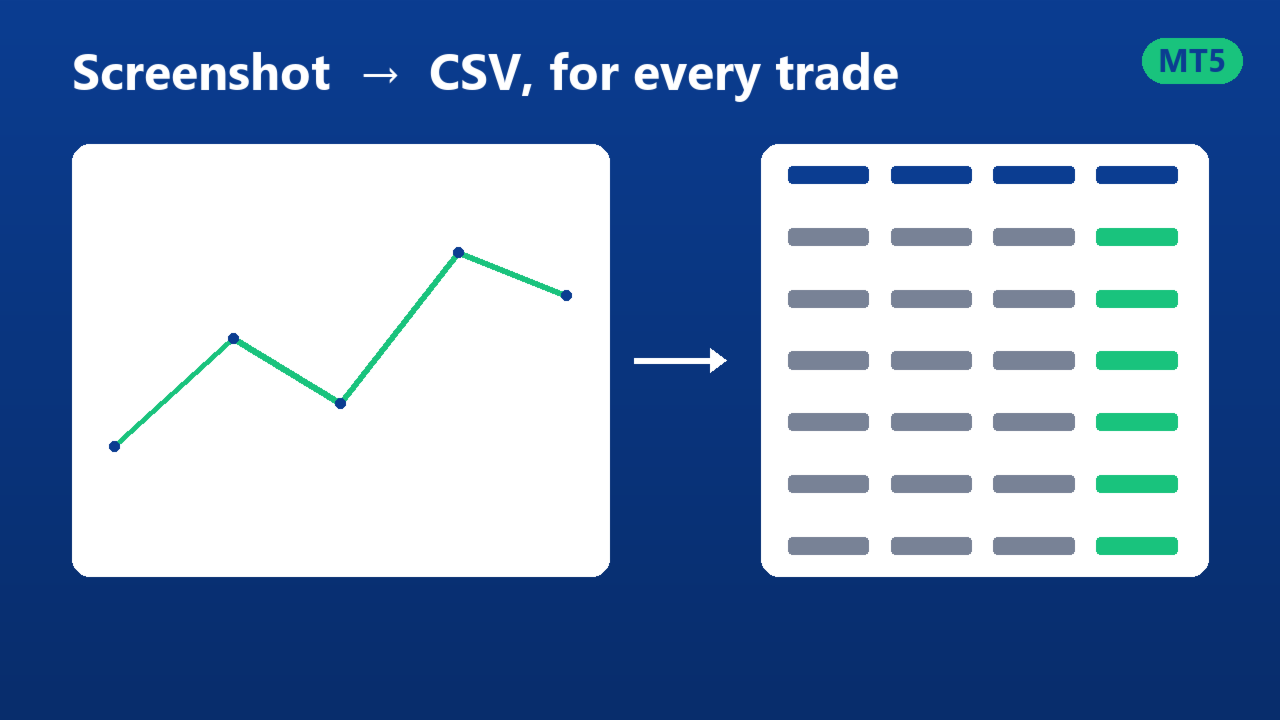
Auto Trade Journal with Screenshots does it for you, automatically, for the whole account. Every time a trade opens, closes, is partially closed, or has its stop loss or take profit changed, it saves a screenshot of the chart at that exact moment and writes one row to a CSV with the full detail and the image path. It records manual trades and trades from any Expert alike.
⚙️ Compatible with MetaTrader 4 and MetaTrader 5, sold as separate products on the Market, so get the version that matches your terminal. Works on any symbol and any timeframe.
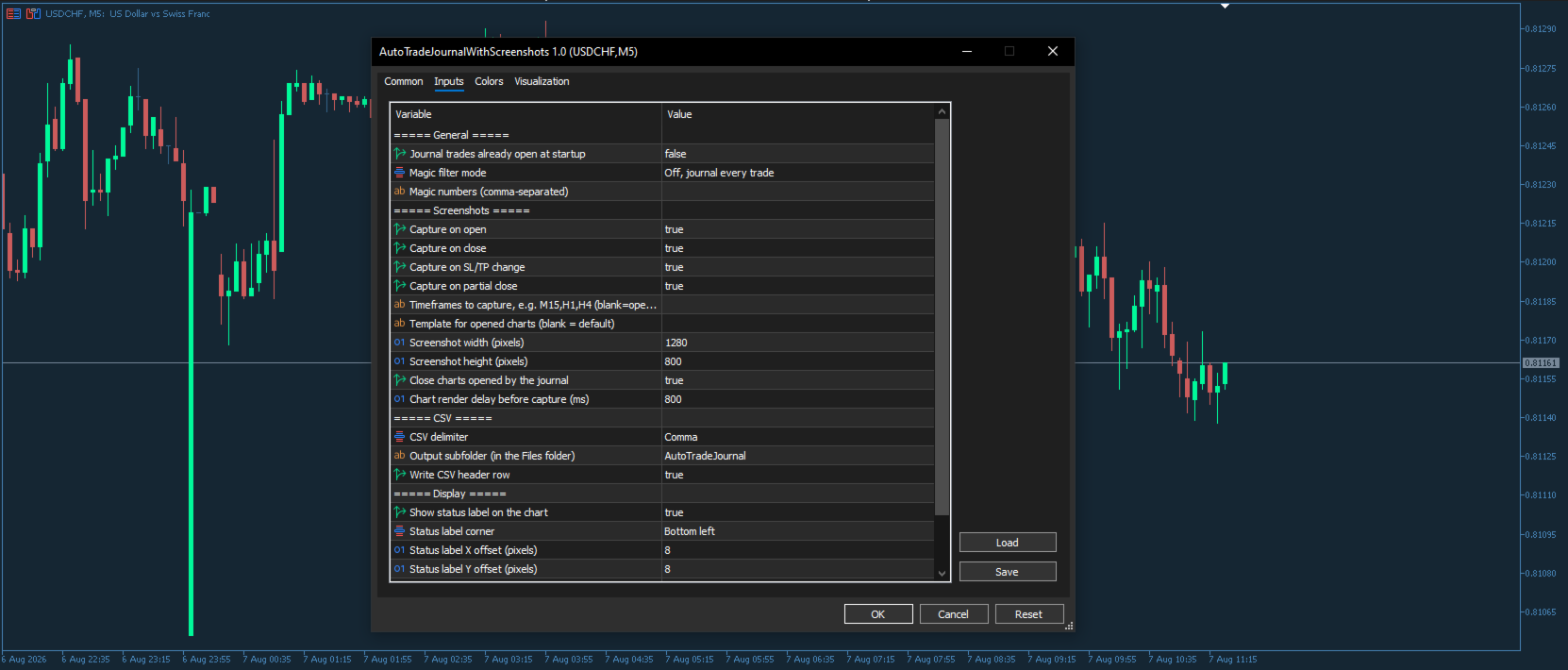
To capture the right chart for a trade on any symbol, it reuses a chart you already have open, or opens a temporary one, takes the shot and closes it again, without ever touching your own charts. It can capture the same moment across several timeframes at once. The CSV opens straight in Excel, Google Sheets or any journaling tool, with your choice of delimiter. It never opens or closes trades, it uses no WebRequest and no external connection, and all data stays on your computer.
🔧 Key Features
📸 Exact-moment screenshots at trade open, close, partial close and every stop loss or take profit change.
🗂️ Whole-account journal: every symbol, manual trades and any Expert, all from one chart.
🖼️ Reuse or open charts: uses a chart you already have open, or opens a temporary one and closes it after the shot.
🕒 Multi-timeframe capture: save the same moment across several timeframes at once.
📄 Rich CSV: 25 fields per event, from price and profit to duration, balance and the image path.
📊 Excel friendly: choose comma, semicolon or tab, with an optional header row.
🎯 Magic number filter: journal the whole account, or narrow to one strategy.
🔒 Single-instance safe: a built-in lock prevents duplicate rows.
⚡ Light and private: screenshots are taken off the trading thread, no WebRequest, all data stays on your PC.
✅ Ideal For
📈 Discretionary traders who want to learn from every entry and every exit.
🤖 Algo traders who need a visual record of what their Experts actually did.
🏛️ Prop firm traders who must document their trading process.
🧾 Anyone who finds manual journaling too tedious to keep up.
📘 Full User Manual: Download the PDF
Keywords: trade journal, trading journal, trade screenshots, chart screenshot, trade recorder, trade log, CSV export, trade history export, trading diary, trade analytics, auto journal, MetaTrader journal, trade review