
News Filter Multi-Source
Pause trading around high-impact news, from more than one source
Most news filters depend on a single feed. When that feed changes its format or goes offline, the filter silently stops protecting the account, often on the exact day a major release moves the market. Built for the strict news rules of FTMO, The Funded Trader, MyFundedFX and FundedNext.
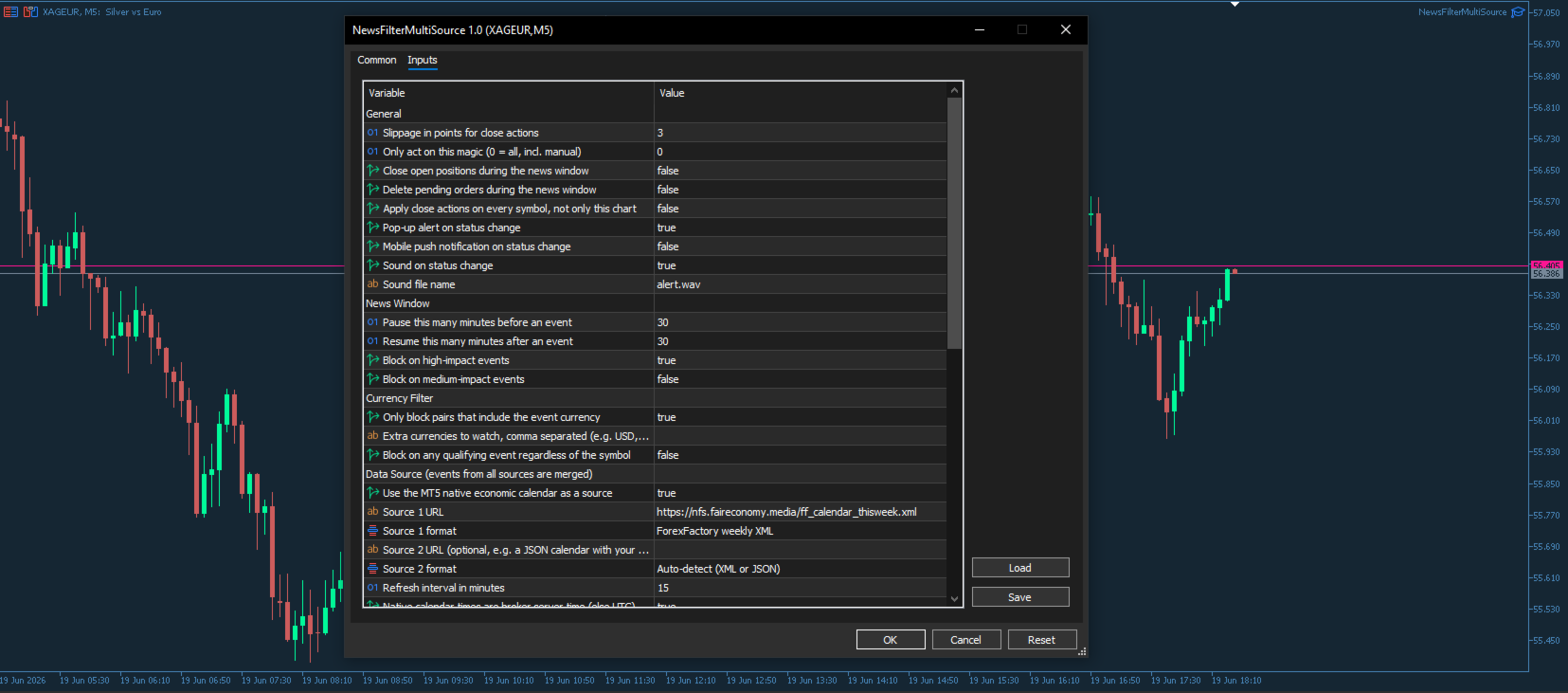
News Filter Multi-Source reads more than one independent source at once, merges them and removes duplicates, so the filter keeps working when one source fails. It pauses new orders from a set number of minutes before to a set number of minutes after each event, and only for the currencies that actually affect your chart.
Compatible with MetaTrader 4 and MetaTrader 5, sold as separate products on the Market, so get the version that matches your terminal. Works on any symbol and any timeframe.
On MetaTrader 5 it combines the native economic calendar with the ForexFactory feed out of the box, with no account and no API key. On MetaTrader 4 it uses the ForexFactory feed and accepts any extra JSON calendar you add. The current state is published into a GlobalVariable that any other Expert in the terminal can read with one line of MQL, plus optional per-currency flags.
Key Features
Multi-source: native MetaTrader 5 calendar plus ForexFactory, merged and de-duplicated.
Automatic fallback: if one source is down, the others keep the filter running.
Currency-aware: only pauses pairs whose currency is affected by the event.
Configurable window: pause from N minutes before to N minutes after each event.
Impact filter: high-impact by default, medium optional.
Passive by default, with optional close positions and cancel pending orders.
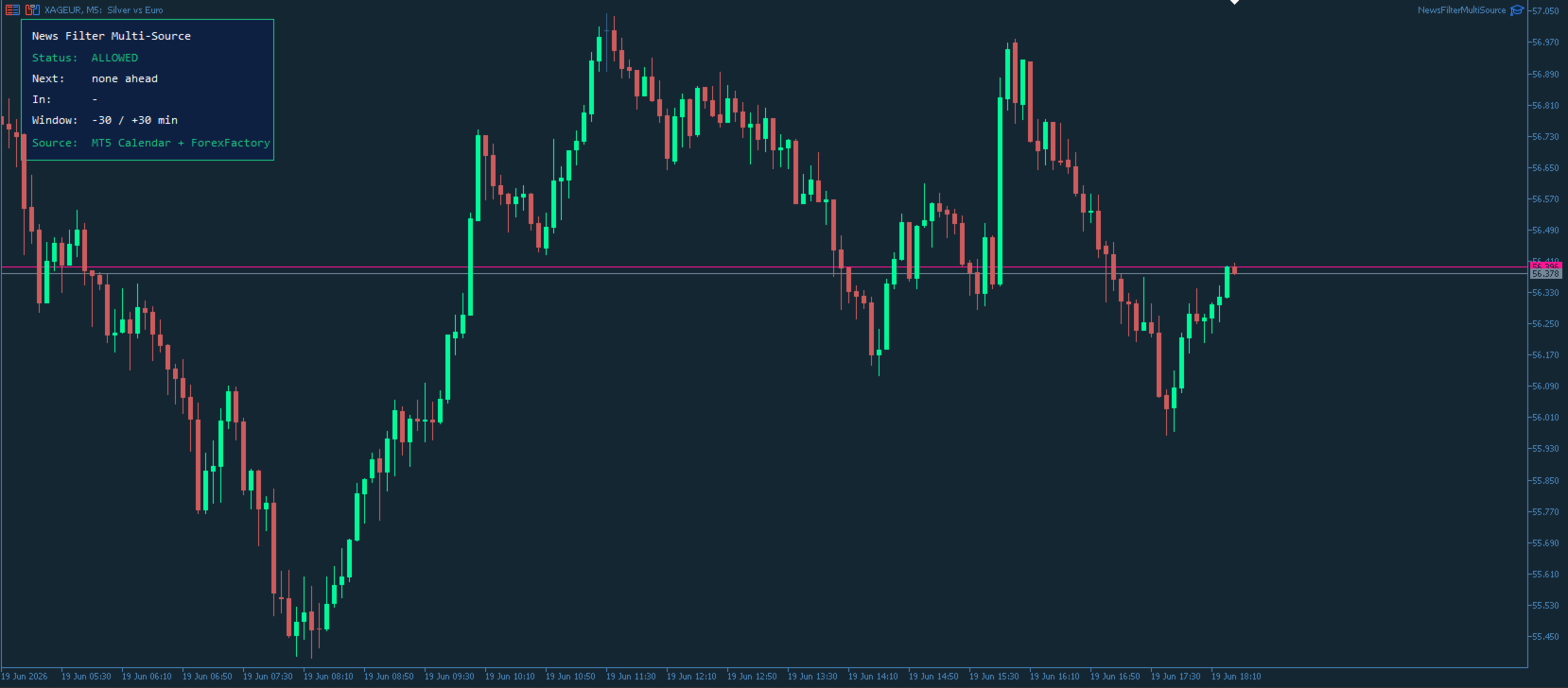
On-chart panel: status, next event, countdown and the active sources.
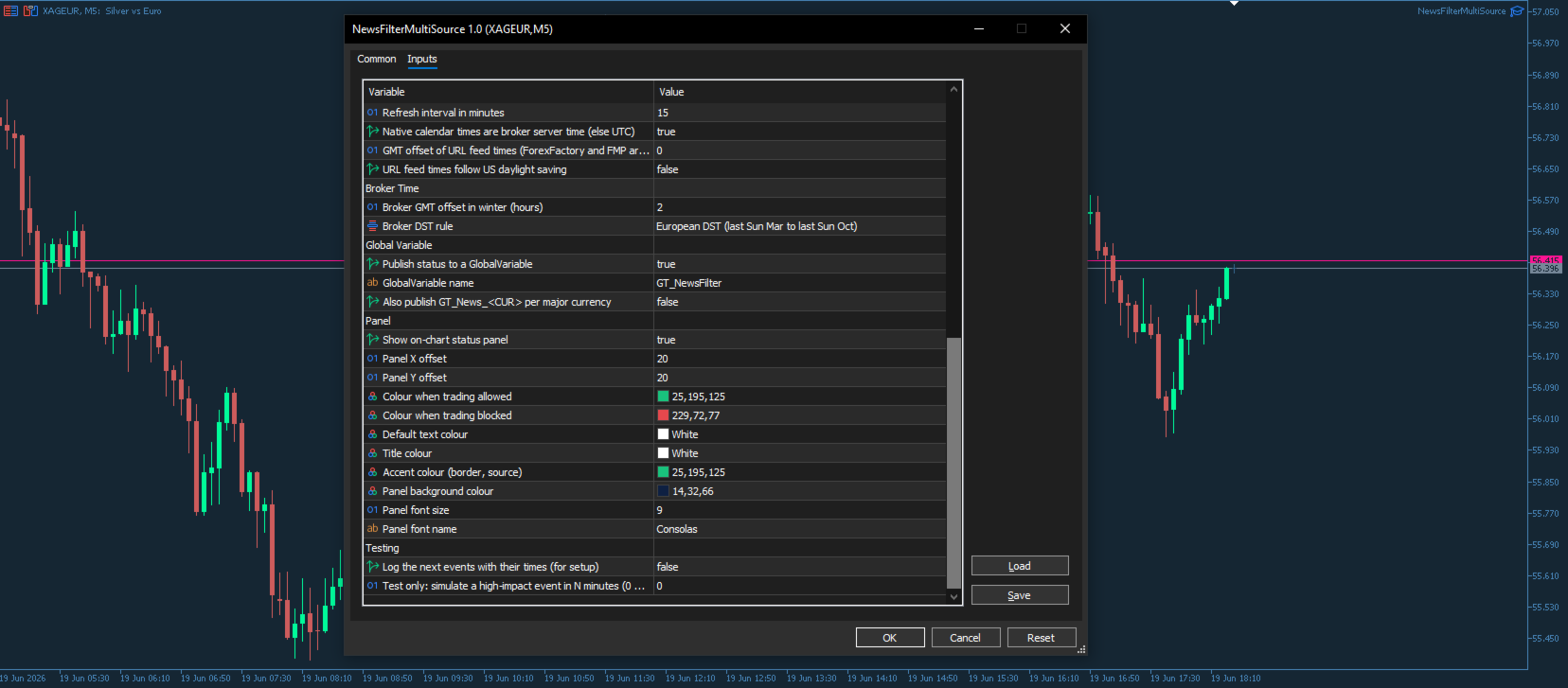
Cross-EA flag via GlobalVariable, plus optional per-currency flags.
Automatic UTC and broker time handling, with European and United States DST.
Ideal For
Traders running Experts that must stand aside around the news.
Prop firm accounts with strict no-trading-around-news rules.
Portfolio managers who need one news gate for several Experts.
Anyone burned by a single news feed that quietly stopped working.
Full User Manual: Download the PDF
Keywords: news filter, economic calendar, high impact news, forex news filter, news EA, ForexFactory, multi source, news pause, prop firm, MetaTrader news filter, economic news, avoid news trading